I have a Muse Luxe with the Squeezelite media player installed.
It has been working well with home assistant for TTS announcements for years - until recently it started playing short TTS messages twice. This is undoubtedly a Home Assistant issue but I noticed a firmware update was available for the Muse so I installed it.
Since then (I thought) I had no audio.
So I deleted the integration, erased and reinstalled the Muse firmware and re-added it to Home Assistant.
However after a lot of mucking about I noticed that if I turn the volume up full I can hear the announcements or mp3 files at a very low level.
Volume is back to normal. Definitely an issue with the Squeezelite firmware, not the hardware.
The quality of TTS is not as good as Squeezelite. There is often a bit of crackly noise at the start or end of an announcement. Though music files play very well. So I would prefer if this issue could be found and resolved.
EDIT: The Home Assistant TTS repeat bug is even worse with the ESPHome Firmware. So I flashed with the Squeezelite firmware again in the vain hope that the volume would be ok.
Nope. Not from Airplay, not from Home Assistant.
So I started working my way backwards through the firmware releases. Until I found one that worked. That firmware is:
Muse-1681.
The two releases after that have the low volume issue.
Hi Tom,
I understand you’re having issues with the sound level and quality on the Luxe.
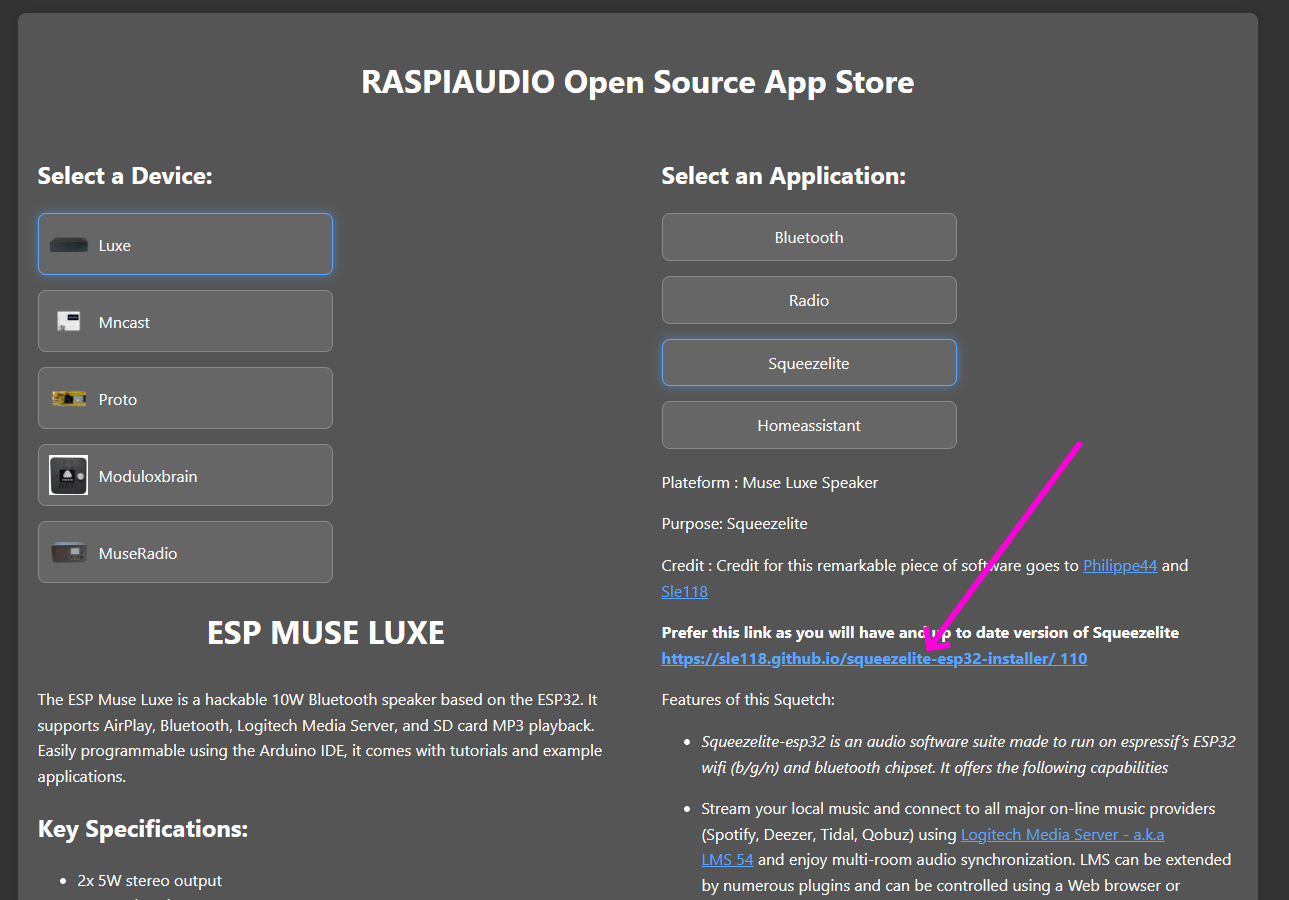
I just uploaded the latest version of Squeezelite to our site raspiaudio.github.io. The sound there is good and there are no level problems. You should try it if you haven’t already.
You can also download Home Assistant from that site. It’s both an assistant and a player (music assistant) that you might like.
I don’t see any new version release in the device update tab or on github. The latest available version in those locations is 2.1716-16 which was uploaded three weeks ago and that version does have the low volume issue.
2.1716-16 - has low volume issue 2.1708-16 - has low volume issue, likely introduced here 2.1681-16 - no low volume issue, works well
Thanks for the suggestion but I am well aware Home Assistant (I’m a moderator on the HA forums)
Same here. I struggled for quite a while, trying countless settings, before finally finding this post. Thanks to Tom, by downgrading to 1681 firmware version, I got my volume back to normal.
If you find that this version behaves the same way for you… You’ll need to tell me precisely how you’re using it and what’s wrong… And then we’ll try to fix what’s wrong (if it’s within our power! ).
Best regards
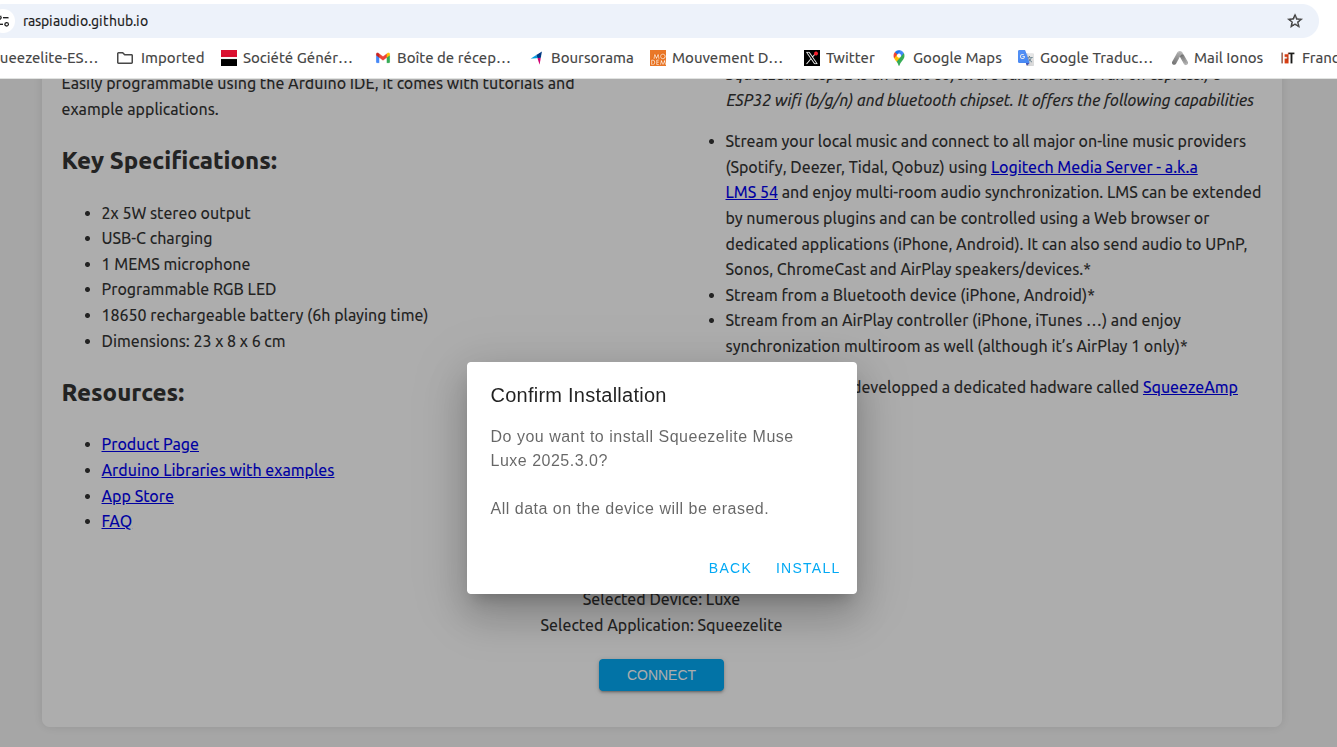
Unfortunately v2025.3.0 also has the low volume issue. Nothing can be heard from the speaker unless the volume is set to the maximum position and even then the sound is very quiet.
This occurs for playback using Airplay or playing a media file or TTS message from Home Assistant.
I downgraded to v2.1681-16 again and the speaker returned to normal operation. With the volume at about 30 to 50% I can hear the played audio perfectly fine.
Hi Tom,
We’ll try to pinpoint exactly where the problem lies. Here are two tests I’m doing here that work well (loud and clear sound). Do the same at home and let me know how it goes. Then, try to tell me precisely which usage conditions don’t work well for you. I’ll test them here. Okay?
– HA installed (latest versions) + Squeezebox
– Squeezelite installed on the Luxe (version 2025.3.0 from raspiaudio.github.io)
– LMS installed (latest version)
1st Test
We verify that the Luxe is properly connected to LMS.
We select a radio station.
We note the sound quality and level, the interface, which provides a nice presentation in HA.
2nd Test
In HA ==> media ==> Radio Browser
We select a radio station.
We note the sound quality and the ability to adjust settings in HA or from the Luxe. Also
In HA ==> media ==>Text-to-Speech ==> Home Assistant Cloud
We make it speak a short phrase
etc…
All of the tests produce no sound. Or very low volume when the volume level of the device is set to maximum. Additionally the problem also occurs when using Airplay from my phone.
– HA installed (latest versions) Currently core-2026.1.3
– Squeezelite installed on the Luxe (version 2025.3.0 from raspiaudio.github.io)
– LMS installed (latest version) I use this HA integration to connect SlimProto (Squeezebox players) - Home Assistant however the issue is not with this integration as Airplay direct to the device from my phone also has the problem

 ).
). Currently core-2026.1.3
 I use this HA integration to connect