The standard I2S on the Ultra provides only stereo output (2 channels). There’s a built-in mixer that routes these two channels to the different output devices (headphones and speakers), but since you only have two channels, it’s not possible to achieve a 3-channel setup like the one you described using the Ultra.
However, we do offer the 8xOUT board, which provides 8 independent audio output channels, compatible with the Raspberry Pi 5.
We also have the 8xIN/8xOUT version, which includes an additional 8 audio inputs.
Is this pinout accurate? If I plug the soundcard straight into the Pi, it works fine. But if I manually wire only the pins specified in the pinout, playback fails.
On the Ultra ++ I want to input audio on the stereo external line input jack and
I want to send that audio to stereo headphones output jack. How can I accomplish this? Is it possible with alsamixer?
Yes you want to loopback the line input on the headphones, I think that the codec wm8960 has this option, then it will need to be convered by the current driver.
Check in alsamixer if you see a loopback control, otherwise we I’ll look at it next week.
probably the driver doesn’t expose these codec’s commands so alternative it to send directly these I2C commands to the codec, even this doc is for microcontroller you can use theire library to get the right commands to send to the Raspberry Pi
Hey raspiaudio,
I install ultra++ (orange) on my raspi4b following your up-to-date instruction.
Clean installation, bookworm 32bit, adding dtoverlay=wm8960-soundcard.dtbo
Everything went super well, the problem is I cannot get external microphone working. (on board microphone is working and sound well)
I also applied your extmic.alsa using alsctl restore but it seems to be not recording any sound.
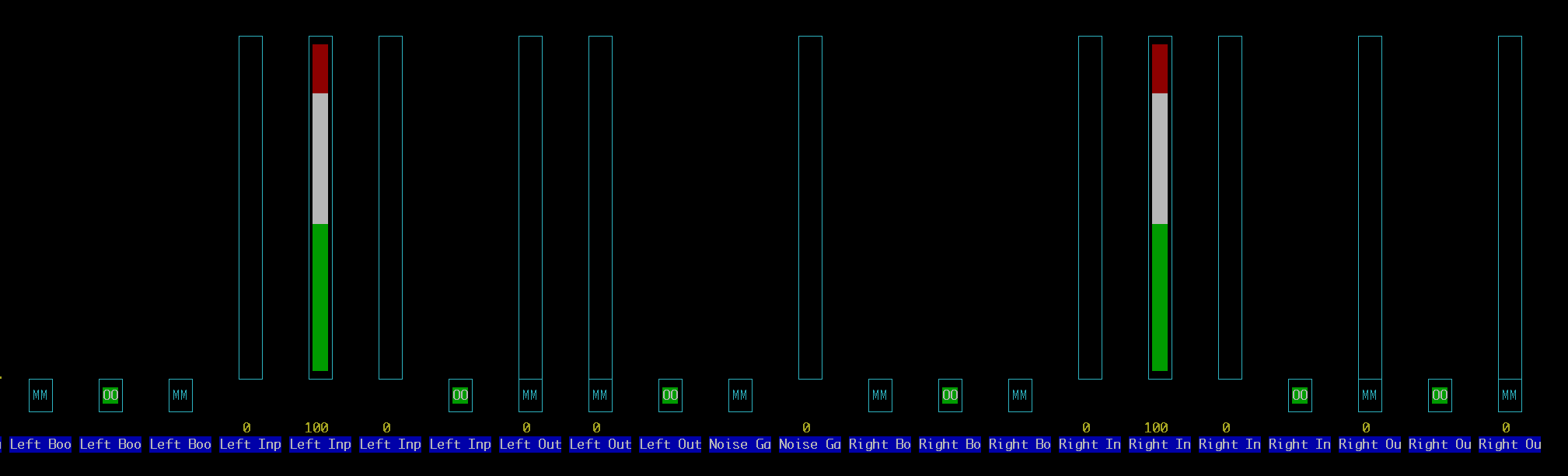
You can check my alsamixer setup as screenshot below.
I am using TRS binaural microphone, which used to work before.
Are there some issues on the driver? Please let me know.
My hat is an ultra++ orange model that I bought about a year ago, and the external mic used to work perfectly. After testing it back then, I stored it in a hard case for a year. When I tried using it again recently, it no longer worked.
I’ve tried many different methods, but still no success. Maybe the hat is broken somehow as you mentioned, and I might need to buy a new blue one.
Before I purchase the new blue ultra++, could you please confirm once more that extmic.alsa still works on the orange hat with your suggested installation method? It’s strange because it definitely worked a year ago, right before I stored it.
My microphone functions well with different recording devices, so it may not be the mic issue.
Okay, I bought a new raspiaudio Ultra++ (blue model) and test my external microphone using your preset extmic.alsa
but it is not working.
Just to let you know: my microphone has no issue on other recording device (zoom H1n). I tested with three different 3.5mm external mics on Raspi Ultra and sound is not coming from the microphone.
I also think it’s not Ultra board issue because I just purchased a new one.
I have been struggling to make this work for a month and even bought a new model, so it would be really appreciated if you could help me on this.
Here is what I have done, please let me know if there’s something wrong in the process.
Fresh install Raspi 5 Bookworm
The driver (wm8960soundcard) has been automatically installed.
Also ran into this same issue, everything but external mic input works.
RPI 5, latest Raspbian (trixie) version.
Card was recognized automatically but did not make any sound/input right away.
After wrestling with alsamixer config I got some sound, it seems to not be on by default anymore.
Now I got the internal mic working (though extremely noisy and kinda unusable, possibly due to my gpio).
Got line input working as well.
But the external mic gives no sound at all, no matter the gain.
Tried it using the extmic.alsa config. Looks OK in alsamixer but no sound at all. Tried 2 lav mics.
I’d imagine the board supplies plugin power on the mic input?
Hi, all boards microphone input are tested in our factory so I doubt of a hardware issue, nevertheless it’s not impossible that the driver has changed, we have one of our engineer scheduled next week to look at it. Please stay tunned here.